External wiki providers
OpenProject lets you connect external wiki providers to your instance, making wiki content available throughout OpenProject.
To manage external wiki providers, navigate to Administration → Wikis → External wiki providers. This page lists all configured providers. Click + Wiki provider to add a new provider from the list of supported options.
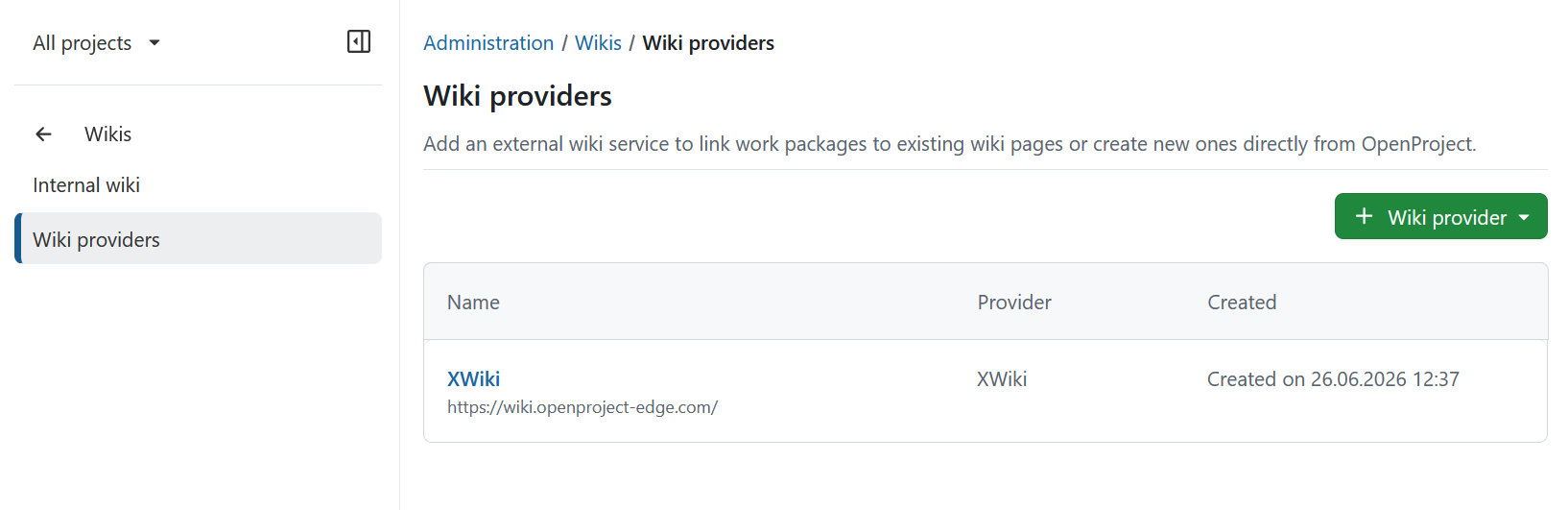
Once configured, a wiki provider is available across your entire OpenProject instance.
| Topic | Description |
|---|---|
| XWiki | Overview of the XWiki integration |
| Set up an XWiki provider | Configure an XWiki provider and authentication |
| Delete a wiki provider | Remove a configured wiki provider and understand the impact |
XWiki

OpenProject offers an integration with XWiki to allow users to:
- Link and create XWiki pages inside rich text areas
- Link and create XWiki pages as relations to work packages
- Link work packages as project management relations to an XWiki page
- Link and create work packages from inside XWiki page content
For detailed setup instructions, see the XWiki integration setup guide.
Delete a wiki provider
You can delete a wiki provider by clicking on the provider’s name in the list. This will open the details page of the provider. There you can click the Delete button in the top right corner.
Wichtig
Deleting a wiki provider will remove all wiki page links created as relation for a work package. In addition, all wiki page links that are mentioned in rich text areas will show an error, as OpenProject will no longer be able to fetch information about the linked wiki page.