XLS export (Excel)
XLS is a plain sheet that matches the OpenProject work packages table with its columns and work packages as rows matching the selected filter(s).
OpenProject can export the table for Microsoft Excel with the following options:
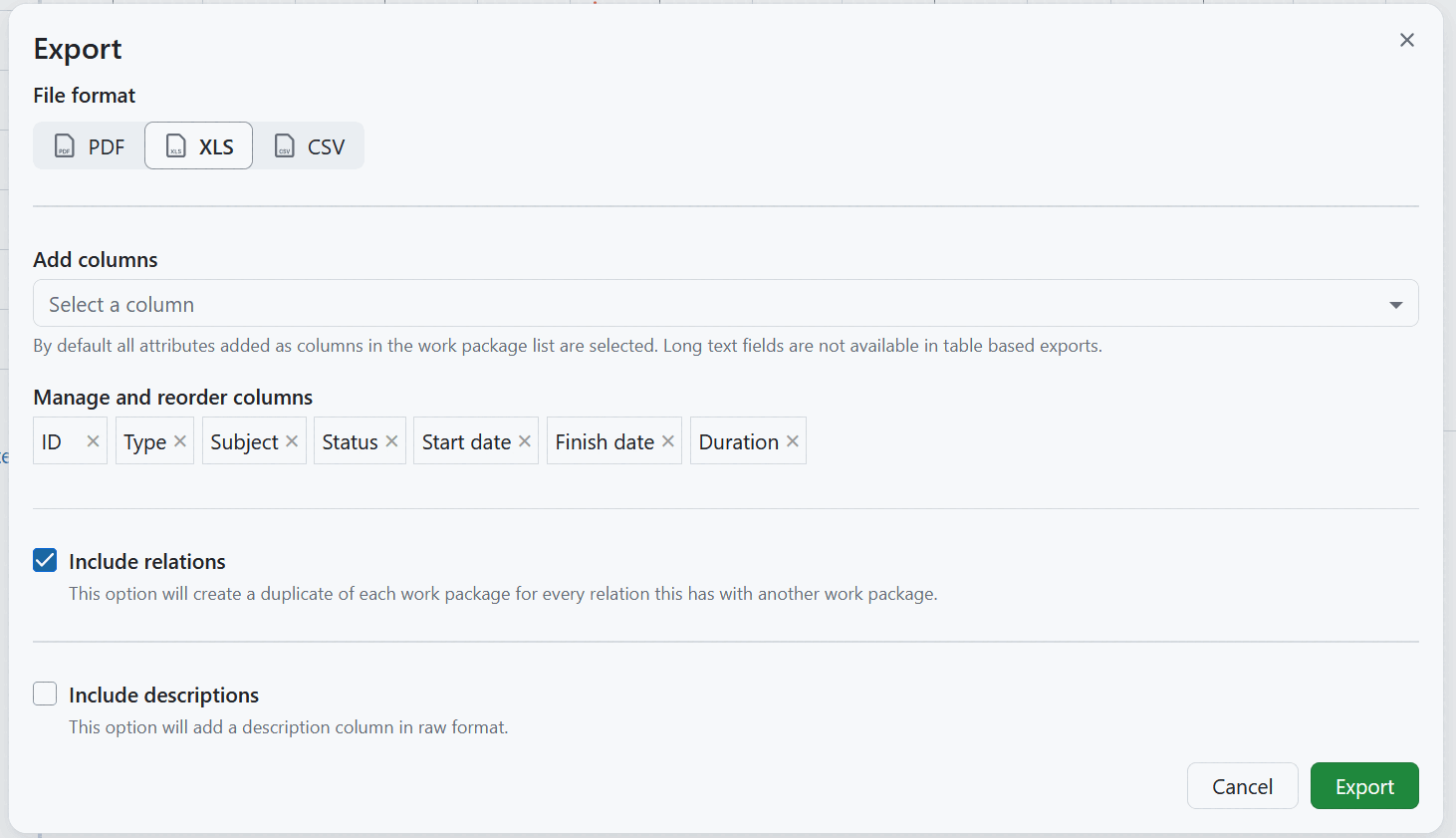
In XLS format export, you can manage and reorder columns that should be included, as well as decide if relations and descriptions should be included in the report.

Columns
You can choose which columns will be displayed in the table (excluding long text fields) and change their order. The pre-selected columns are the ones in the work package table query. Learn how to save the work package view.
XLS with descriptions
If you activate the Include descriptions option, an additional column will be included in the report, showing work package descriptions. The descriptions are exported as raw text with HTML tags removed, so formatting characters remain visible.
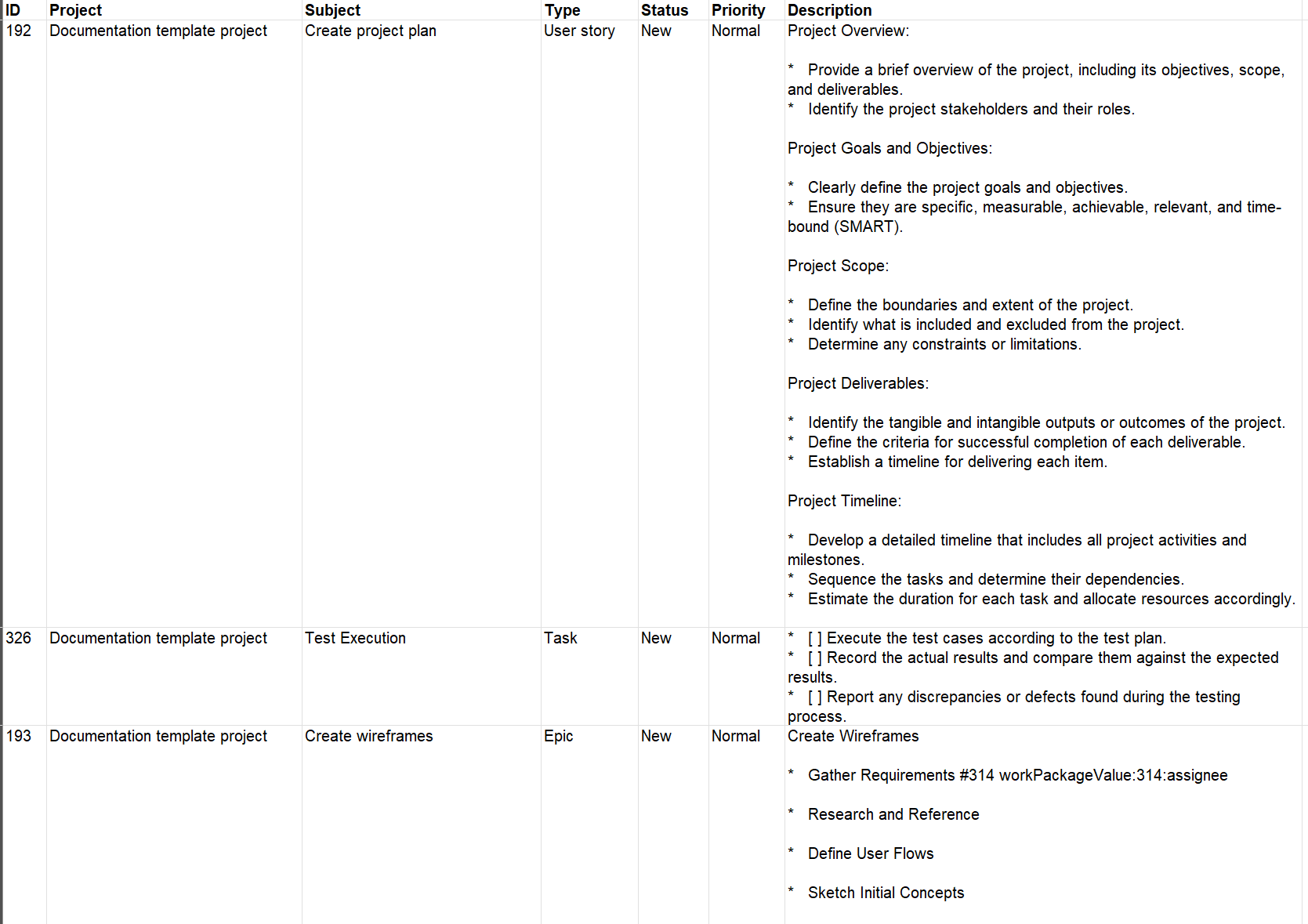
XLS with relations
If you activate the Include relations option, each work package is repeated in a separate row for every relation it has. Work packages without relations are exported in a single row.
Every row is extended by the columns Relation type, Lag and Description of the relation, followed by the selected columns of the related work package. Hierarchy relations are included as well and are labelled parent of and child of.

Export limit
All work packages included in the work package table in the currently selected view will be exported, unless a certain export limit has been defined by the instance administrator. The limit can be changed in the export settings in the system administration. Newly created instances have a maximum of 500 work packages set as a limit by default.
Limitations
The OpenProject XLS export currently does not respect all options in the work package view being exported from:
- The hierarchy of work packages as displayed in the work package view. The exported XLS is always in “flat” mode.
See Export work packages for how to trigger an export and adjust the general export options.