Activate work package types for projects
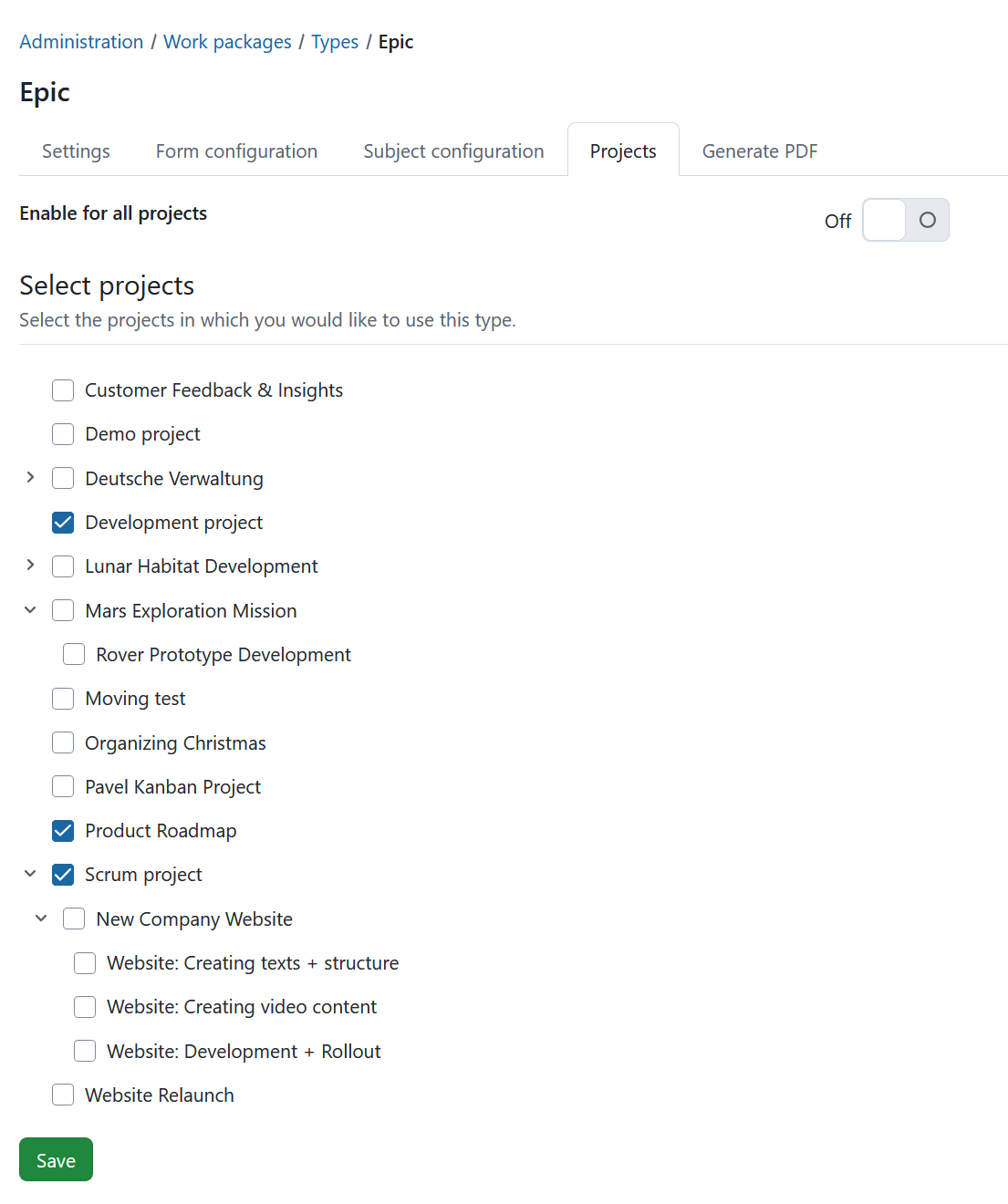
Under Administration → Work packages → Types, select a work package type and open the Projects tab to select for which projects the work package type should be activated.
The Enabled for new projects by default setting (which can be selected when creating or editing a work package type) only activates the type for newly created projects. It does not activate the type for existing projects.
For existing projects, work package types can also be activated manually in the project settings. There, work package types can be enabled or disabled on a per-project basis.
To activate a work package type for all projects, enable the Enable for all projects switch.
If Enable for all projects is disabled, a list of projects is displayed. Select the projects for which the work package type should be available and click Save.