Gantt chart PDF export

You can export Gantt charts directly from the work packages module by selecting the respective option, or from the Gantt charts module by doing the same.
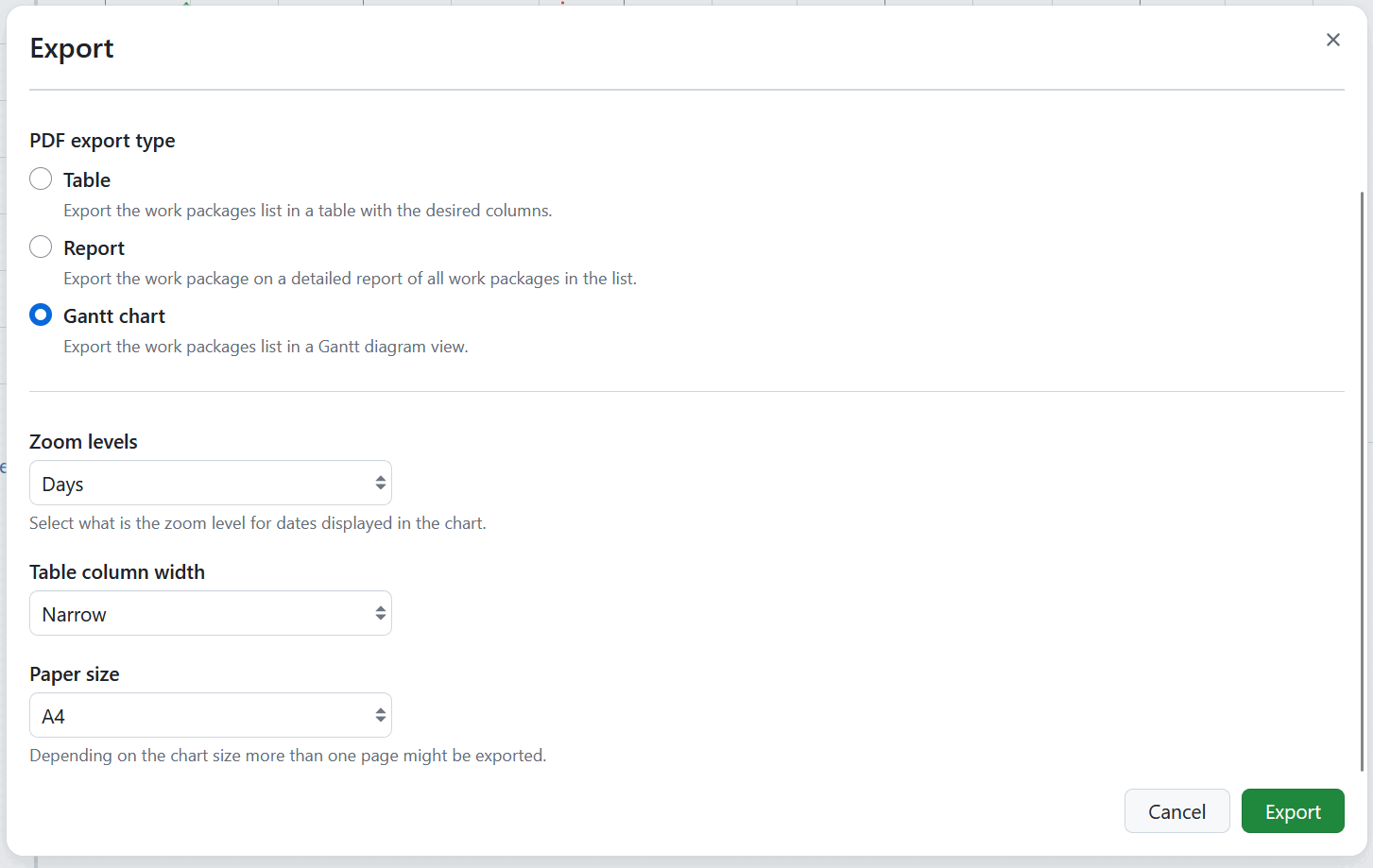
Export options
- Zoom levels define the zoom level for the dates displayed in the chart. You can select Days (default), Weeks, Months or Quarters.
- Table column width defines how much space the work package table next to the chart takes up. You can select Narrow, Medium (default), Wide or Very wide.
- Paper size defines the page size of the export. You can select A4 (default), A3, A2, A1, A0, Executive, Folio, Letter or Tabloid. Depending on the chart size, more than one page might be exported.
For more information on using the Gantt chart module and Gantt exports, please refer to the Gantt chart PDF Export guide.
See Export work packages for how to trigger an export and adjust the general export options.