Tiempo y costes
Time and costs is defined as a module which allows users to log time and unit costs on work packages. Once the time and costs module is activated, time and costs can be logged via the action menu of a work package.
Project administrators can enable or disable time tracking activities and cost types for individual projects.
Before they can be enabled in a project, time tracking activities and cost types must first be configured by an administrator under Administration → Time and costs. For details, see the Time and costs administration guide.
Administrar las actividades para el seguimiento del tiempo
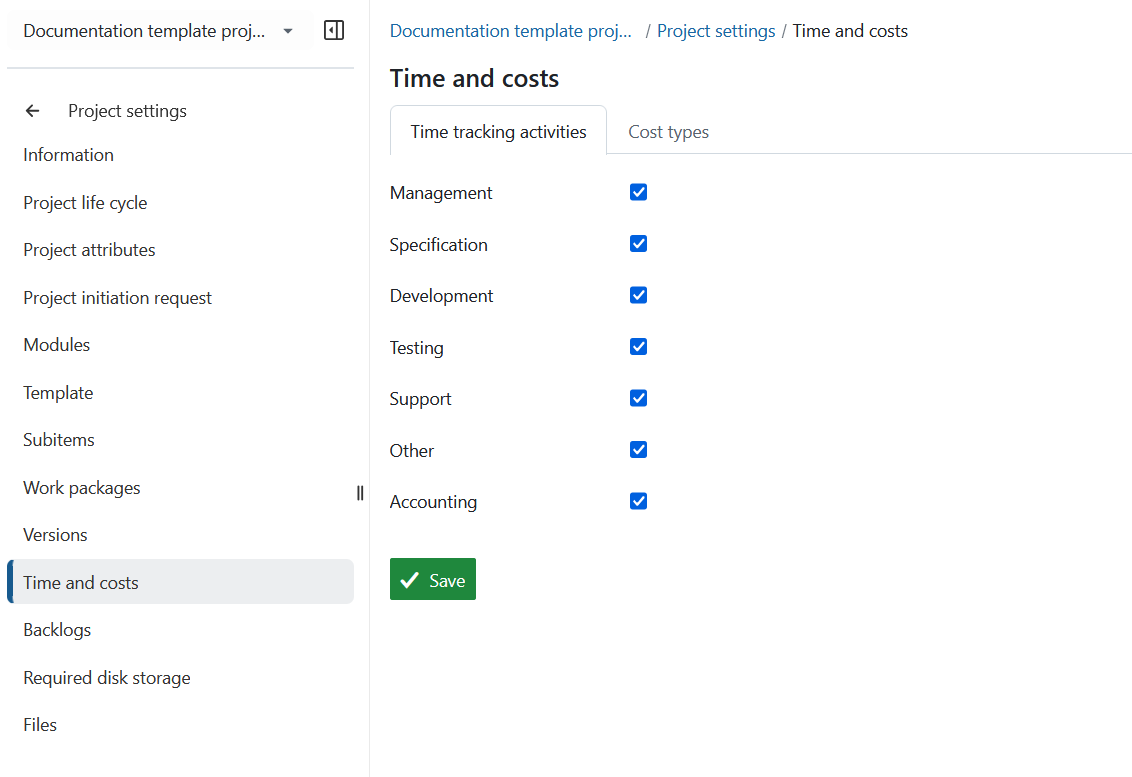
To enable time tracking activities for a project:
- Navigate to Project settings → Time and costs → Time tracking activities.
- Select the activities that should be available for time tracking in the project.
- Click Save.
Manage cost types
To enable cost types for a project:
- Navigate to Project settings → Time and costs → Cost types.
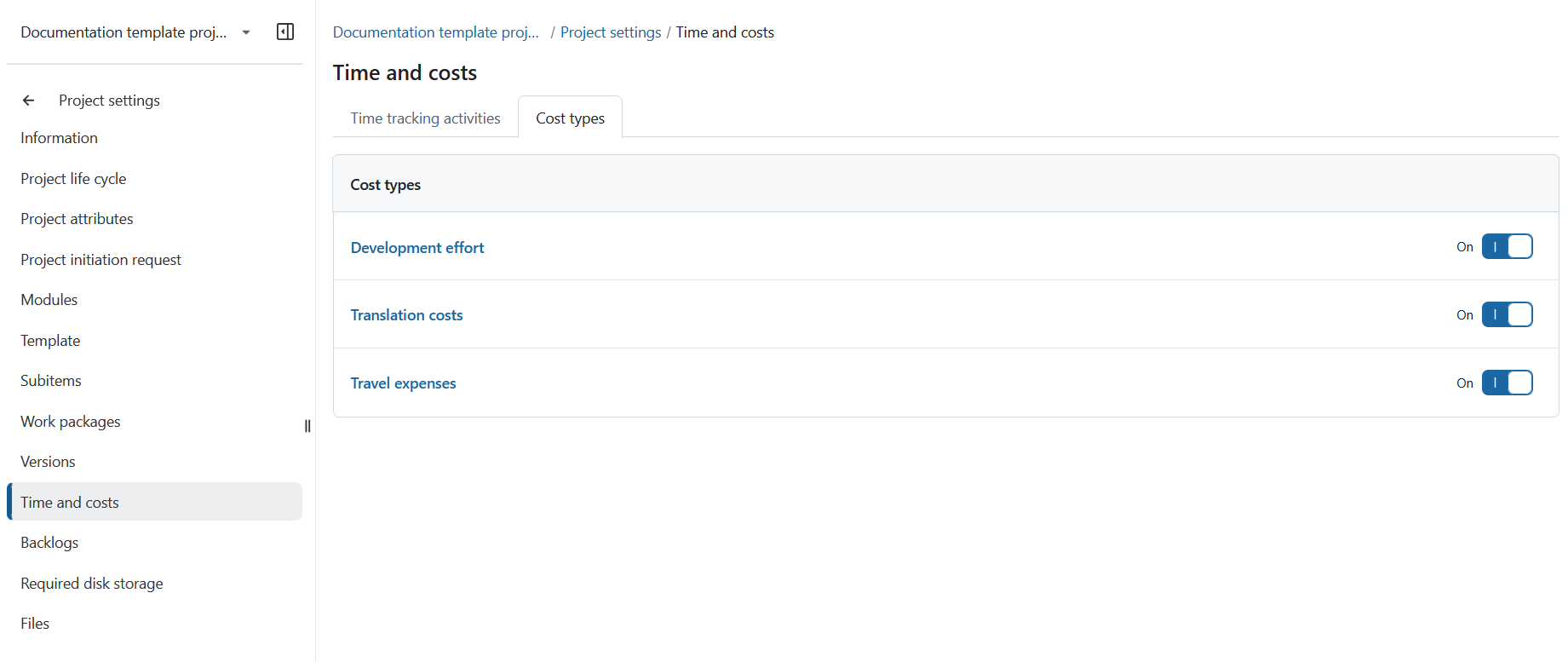
- Turn on the toggle next to each cost type that you want to make available in the project.
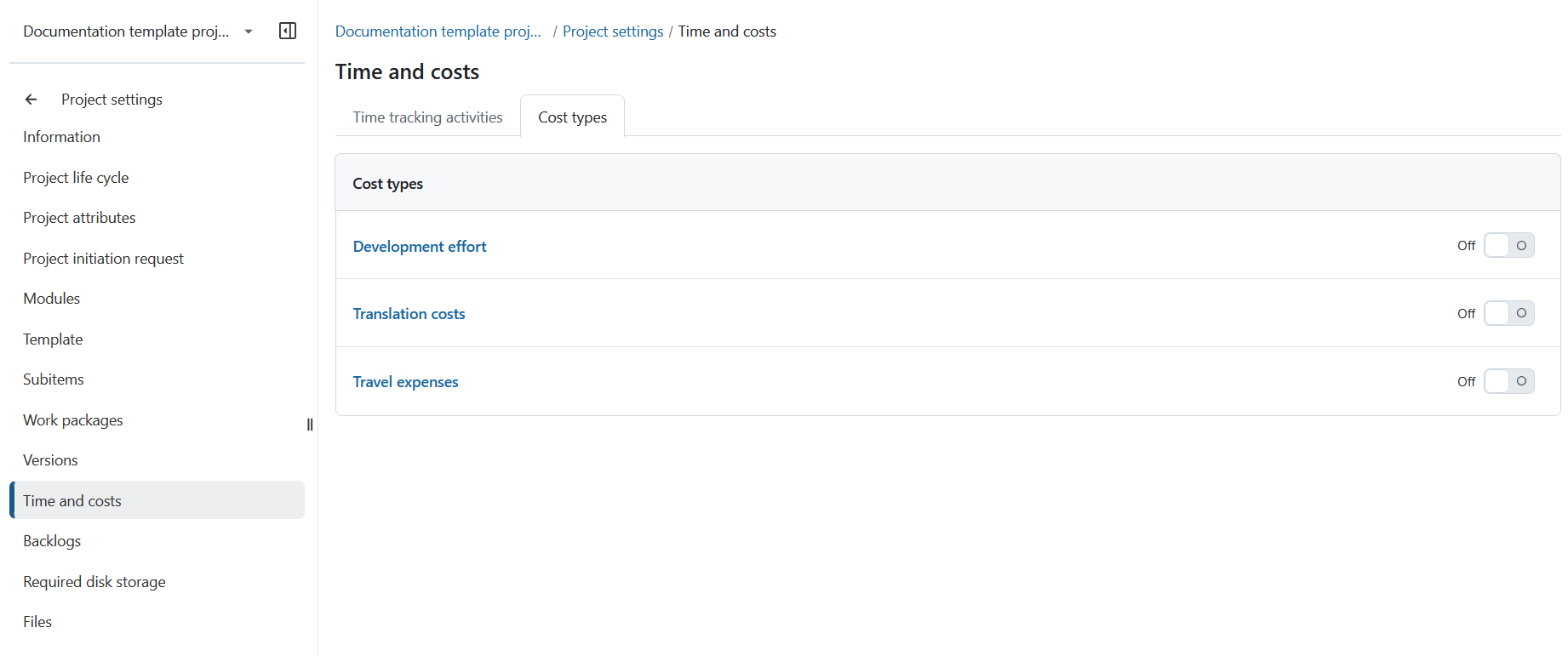
Enabled cost types are available for logging costs in the project.
Nota
A cost type is visible to a user only if:
- the cost type is enabled in at least one project, and
- the user has permission to log costs in that project.