Home Dashboard
The Home Dashboard is your go-to screen for staying informed, focused, and efficient on mobile — providing an at-a-glance view of everything that matters across your projects. It allows creating a personalized overview of your projects, work packages, and activities, helping you stay informed and productive on the go.
The dashboard is designed to give you quick access to the information you care about most, without needing to navigate deep into individual projects or work packages.
Purpose
The Home Dashboard is your central hub for project management on mobile. Its main purposes include:
- Quickly reviewing your priorities: See which work packages, deadlines, or updates need your attention.
- Monitoring project activity: Stay up to date on work package changes, comments, and progress across all your projects.
- Accessing relevant widgets: Customize what you see based on your workflow and focus areas.
- Saving time: Avoid switching between multiple screens — everything important is consolidated in one view.
Available Widgets
The Home Dashboard consists of modular widgets that provide snapshots of your most relevant data. Depending on your role and project access, some widgets may vary.
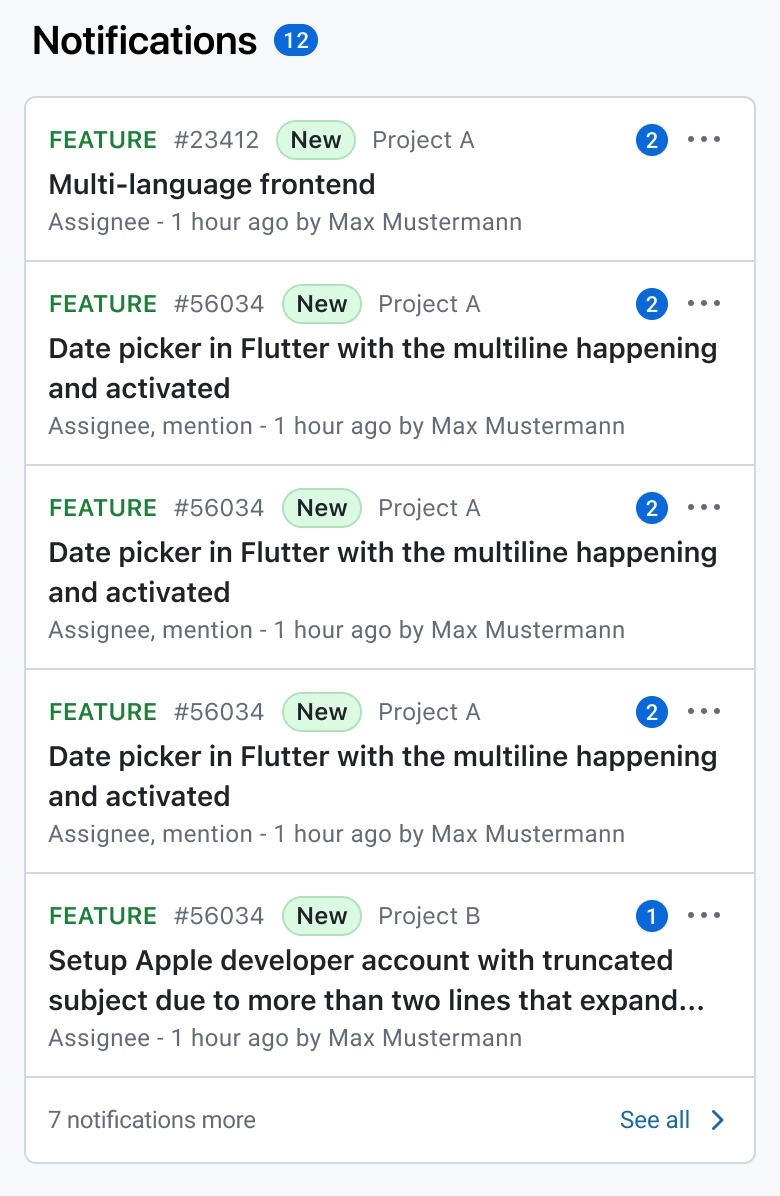
Notifications
- Displays recent notifications, such as mentions, comments, or work package updates.
- Enables you to react quickly without leaving the dashboard.
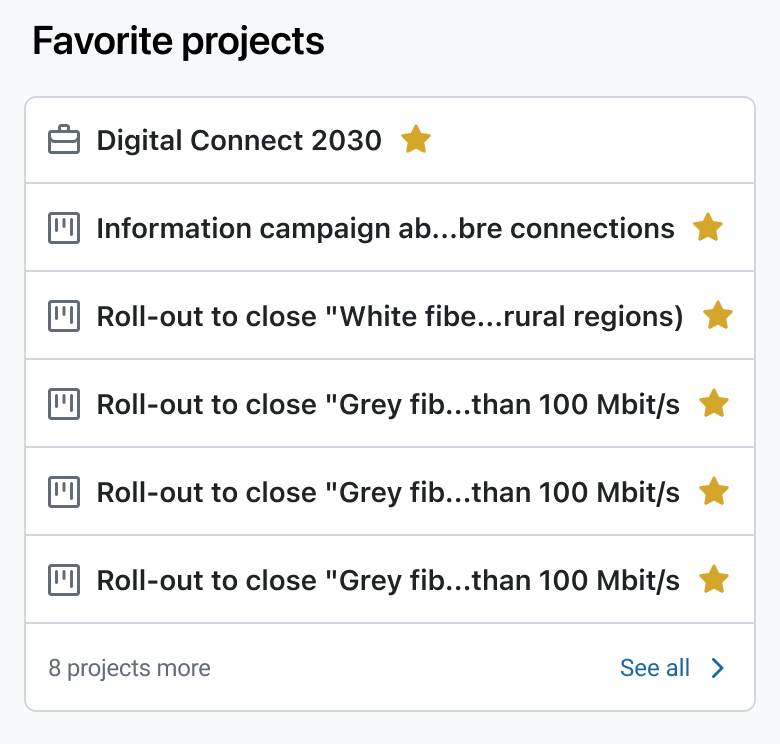
Favorite Projects
- Displays projects you’ve marked as favorites for quick access.
- Ideal for prioritizing high-importance projects.
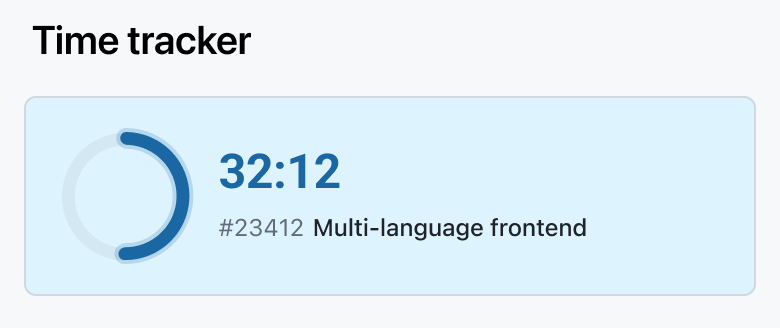
Time Tracker
- Shows the currently running timer or allows you to start a new focus timer.
- Helps track work time efficiently and accurately.
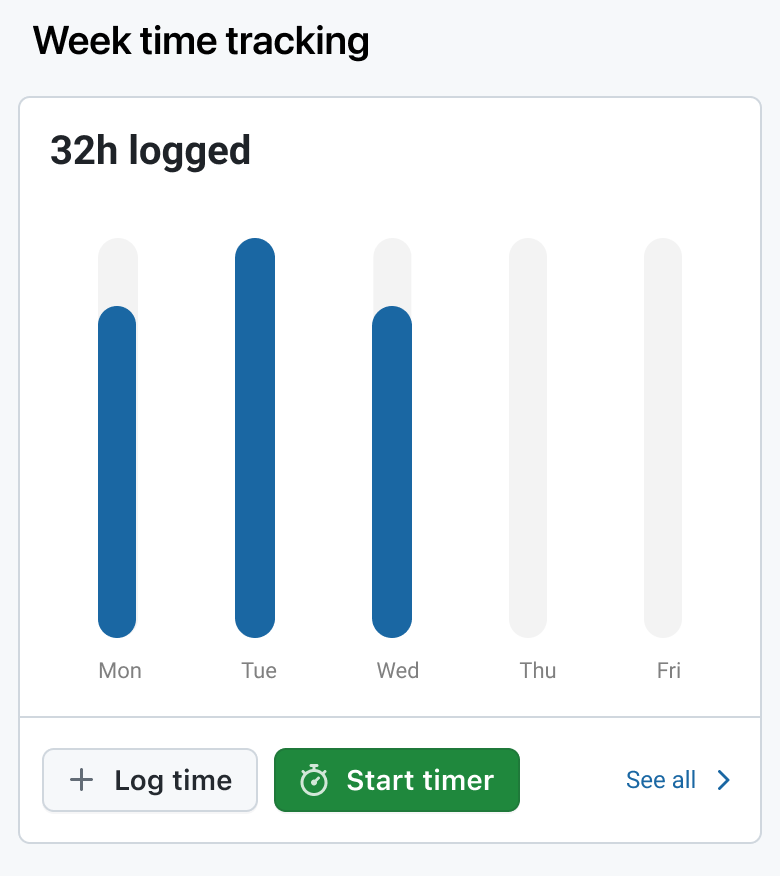
Week Time Tracking
- Provides an overview of time logged during the current week.
- Helps you monitor your productivity and ensure accurate reporting.
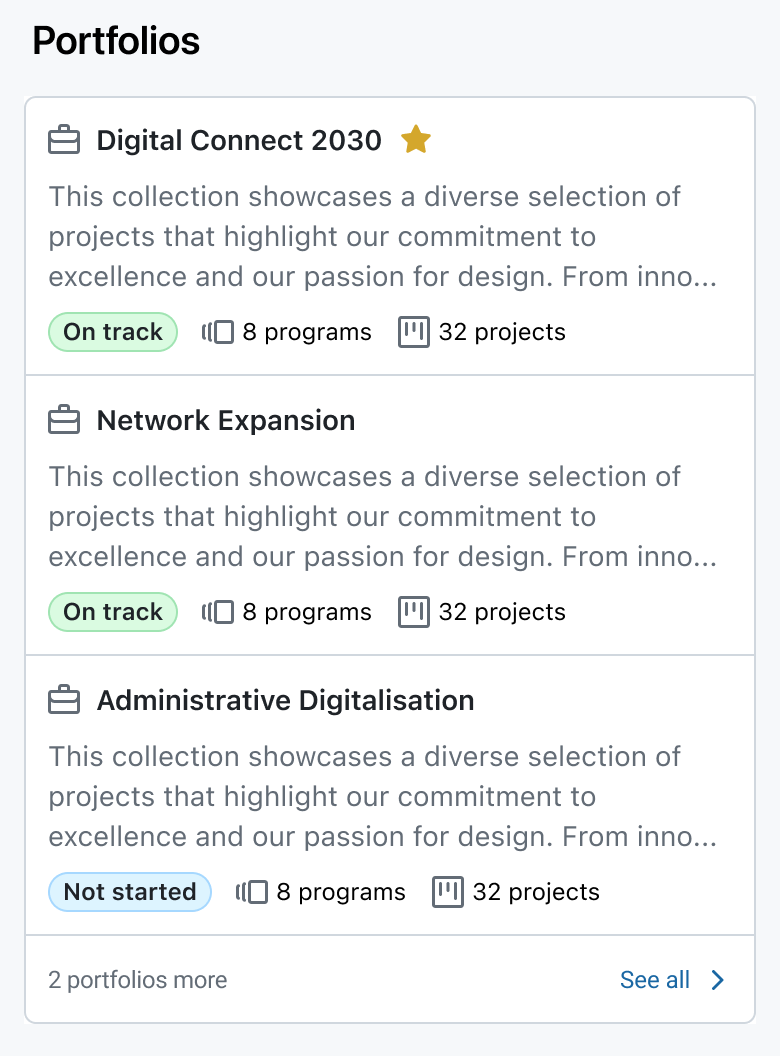
Portfolios
- Shows a snapshot of the portfolios available.
- Useful for portfolio managers and team members tracking high-level progress across multiple projects.
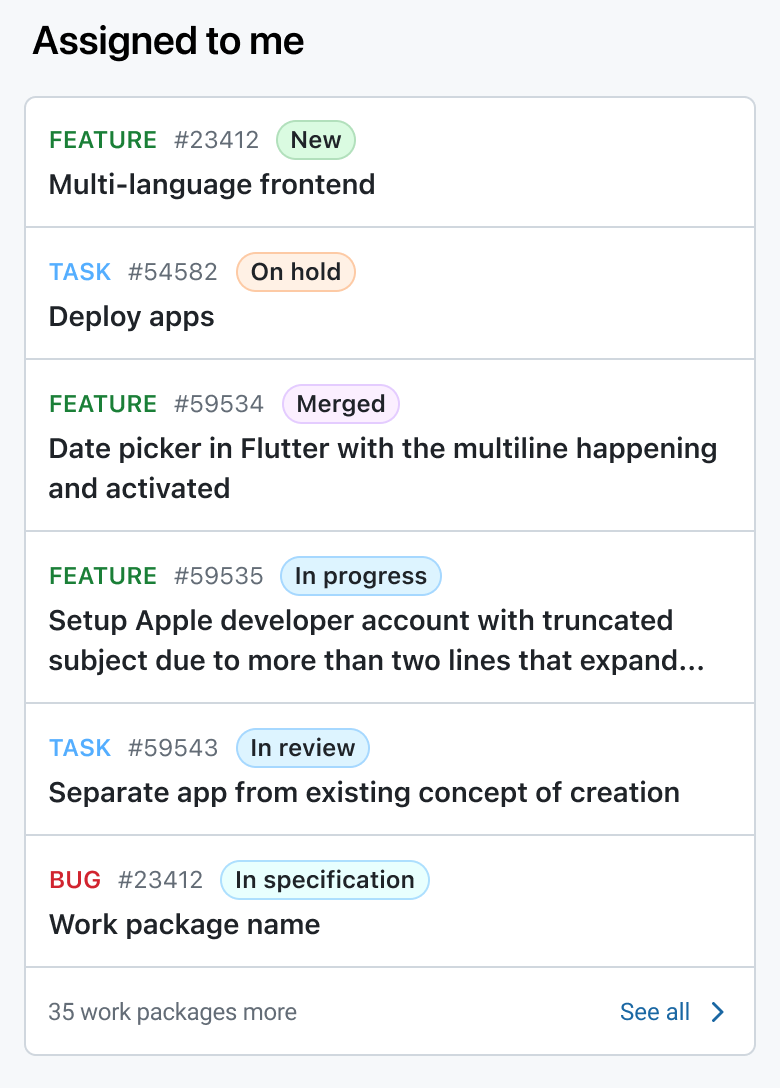
Assigned to Me
- Lists all work packages currently assigned to you.
- Includes work package types and status indicators for quick task management.
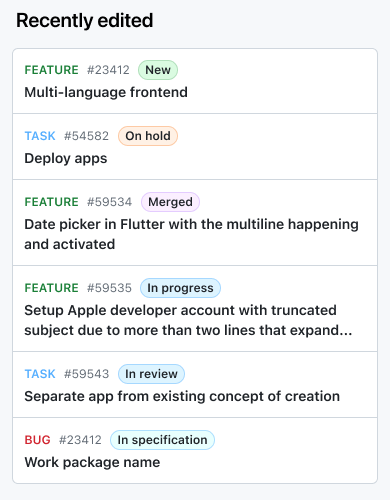
Recently Edited
- Shows a list of recently edited work packages.
- Allows fast navigation back to items that are work in progress.
Customizing the Dashboard
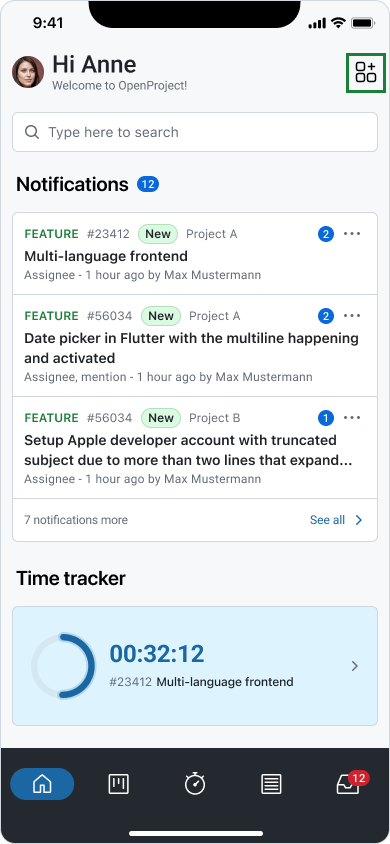
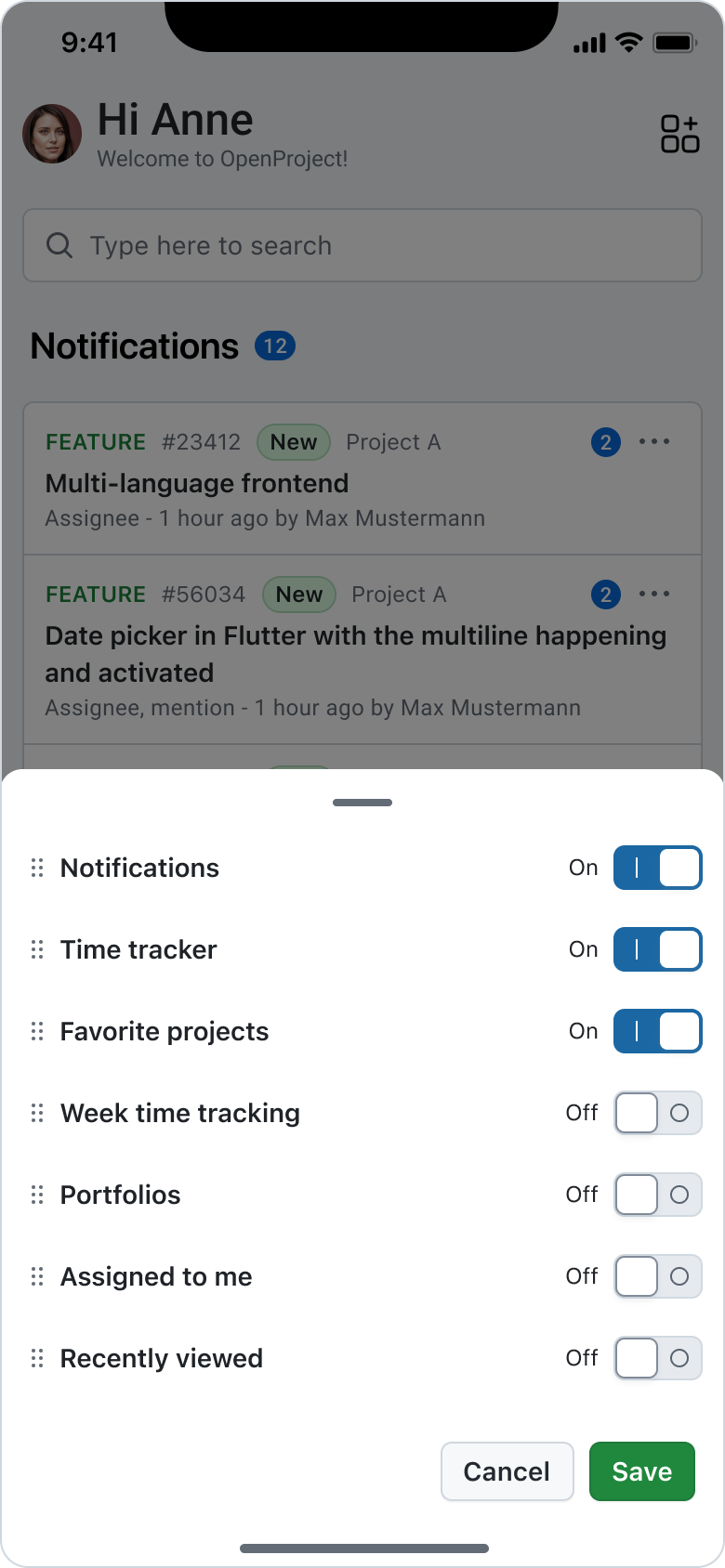
While the mobile dashboard is designed for simplicity, the order and visibility of widgets can be customized by using the edit widgets button on the right side of the top navigation bar. Clicking the icon allows you to:
- Activate and deactivate widgets
- Reorder widgets
Nota
If you don’t have the right permissions or have disabled a feature, the related widgets will be deactivated in the home dashboard tab.