Paramètres des backlogs
In OpenProject, you can configure your Backlogs settings specific to each project. Navigate to Project settings -> Backlogs.
Types and statuses
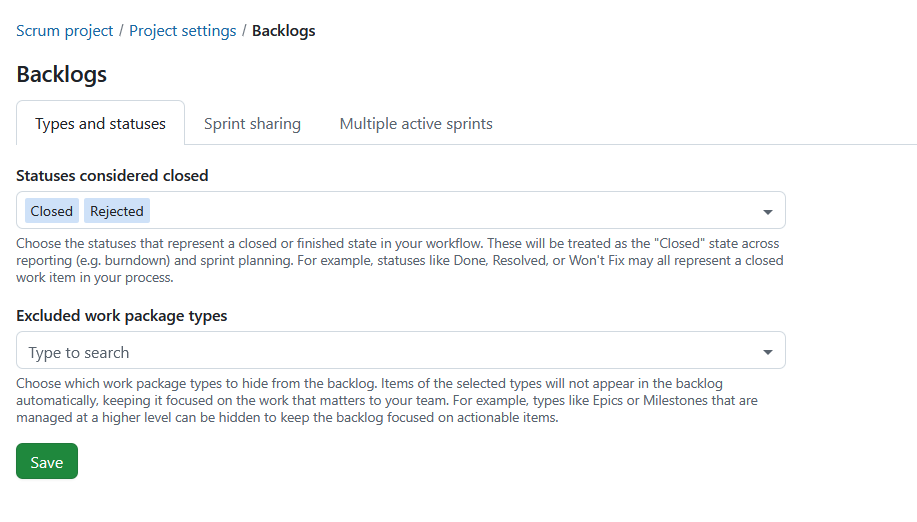
Under the tab Types and statuses you can configure which work package statuses are considered closed and which work package types are excluded from backlog views.
Statuses considered closed
You can choose the statuses that represent a closed or finished state in your workflow.
These statuses are treated as closed throughout sprint planning and reporting. They are used when calculating burndown charts and determine which work packages remain in a sprint when it is completed.
Examples include:
- Done
- Resolved
- Rejected
- Won’t Fix
Statuses using the global Closed meta status are always treated as closed and cannot be removed.
Excluded work package types
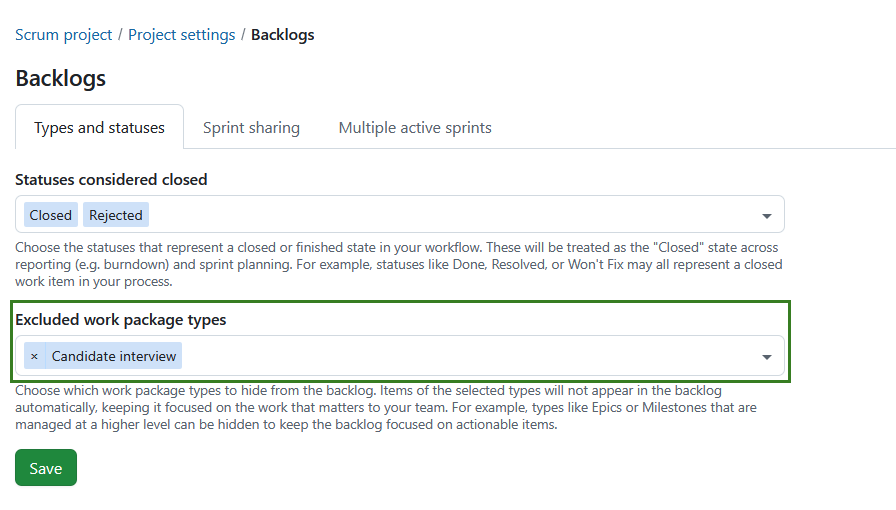
You can choose which work package types should be hidden from the Inbox backlog and backlog buckets.
Excluded work package types:
- do not appear in the Inbox backlog.
- do not appear in backlog buckets.
- continue to appear in sprints.
- continue to appear on sprint boards.
This can be useful for work package types that are managed at a higher level, such as Epics or Milestones.
Select one or more work package types from the list of active work package types available in the project.
Remarque
The selection is project-specific and is copied when a project is copied.
Appuyez sur le bouton Enregistrer pour appliquer vos modifications.
Sharing sprints

Sprint sharing is a project-level setting that allows you to choose whether sprints should be shared across projects.
Remarque
This is not a sprint-level setting as is currently the case with versions.
Le partage des sprints permet aux équipes travaillant sur plusieurs projets de planifier et de suivre le travail de manière coordonnée. Au lieu de gérer des sprints distincts et déconnectés dans chaque projet, vous pouvez définir un sprint une seule fois et le réutiliser dans tous les projets. Ceci est particulièrement utile pour les configurations scrum de plusieurs équipes, les environnements agiles scaled, ou lorsque plusieurs équipes contribuent au même incrément.
Selon l’option choisie, un projet peut soit fournir des sprints à d’autres, soit utiliser des sprints partagés, soit rester indépendant :
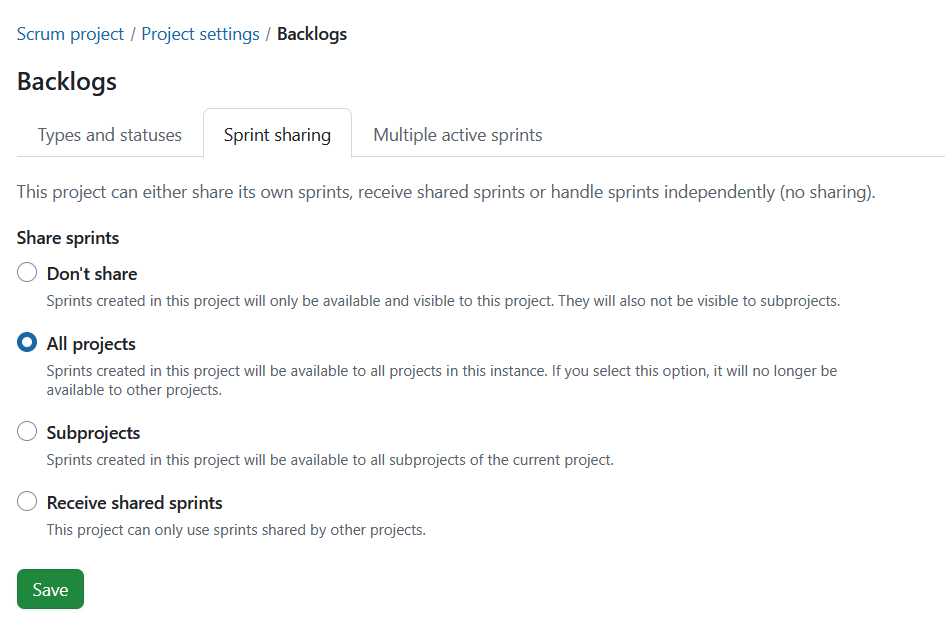
Don’t share: This is the default setting for projects. Sprints can be created in this project and are available and visible only within this project. None of the created sprints are shared with any other project or sub-projects.
Share sprints: Sprints can be created in this project and shared with either all projects or subprojects:
-
All projects: Selecting this option means the sprints created are available to all projects within the instance. Cela signifie également qu’aucun autre projet ne peut partager des sprints avec tous les projets.
-
Subprojects: Sprints created in this project will be available to all subprojects of the current project.
Receive shared sprints: No sprints can be created within this project. En revanche, seuls les sprints partagés par un autre projet peuvent être utilisés.
Depending on your permissions, some shared sprint fields may be read-only. Project-specific fields, such as the sprint goal, can still be edited independently.
Ce qui est partagé
Lorsque les sprints sont partagés, le sprint lui-même est partagé entre les projets. Cela comprend :
- Nom du sprint
- Dates de début et de fin
- Statut du sprint (par exemple, planification, actif, terminé)
Cela permet de s’assurer que tous les projets participants travaillent avec la même définition de sprint et le même calendrier.
Ce qui n’est pas partagé
The following remain project-specific:
- Les lots de travaux restent dans leurs projets respectifs
- Les backlogs et leur structure restent spécifiques à chaque projet
- Sprint goals remain project-specific
- Les autorisations et la visibilité sont toujours gérées par projet
Même lorsque les sprints sont partagés, chaque projet conserve ses propres éléments de travail et sa propre configuration.
Pour en savoir plus, lisez comment travailler avec les backlogs dans OpenProject.
Multiple active sprints
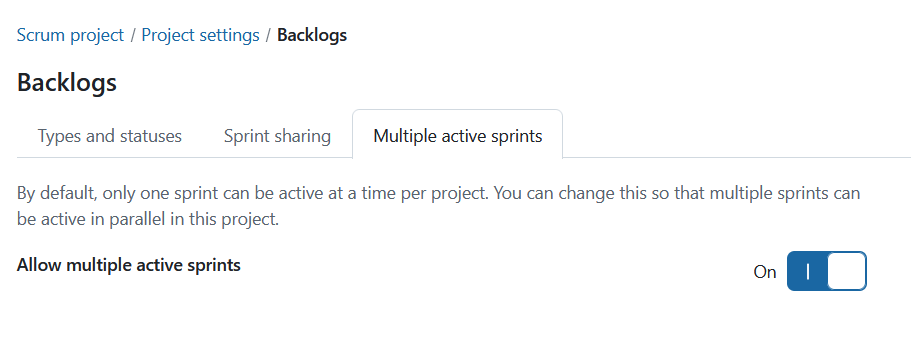
Multiple active sprints is a project-level setting that allows you to enable more than one active sprint within a project. To enable this setting, toggle the Allow multiple active sprints switch to On.
Remarque
Having multiple active sprints is only possible when the project is neither sharing nor receiving sprints. To activate this setting, Don’t share option in the sprint sharing tab must be selected.