Account settings
Under Account settings, you can change your personal settings, such as the language, edit notifications, or add an avatar. Moreover you can manage access tokens and sessions.
Tip
Prior to OpenProject 15.0 Account settings were named My account.
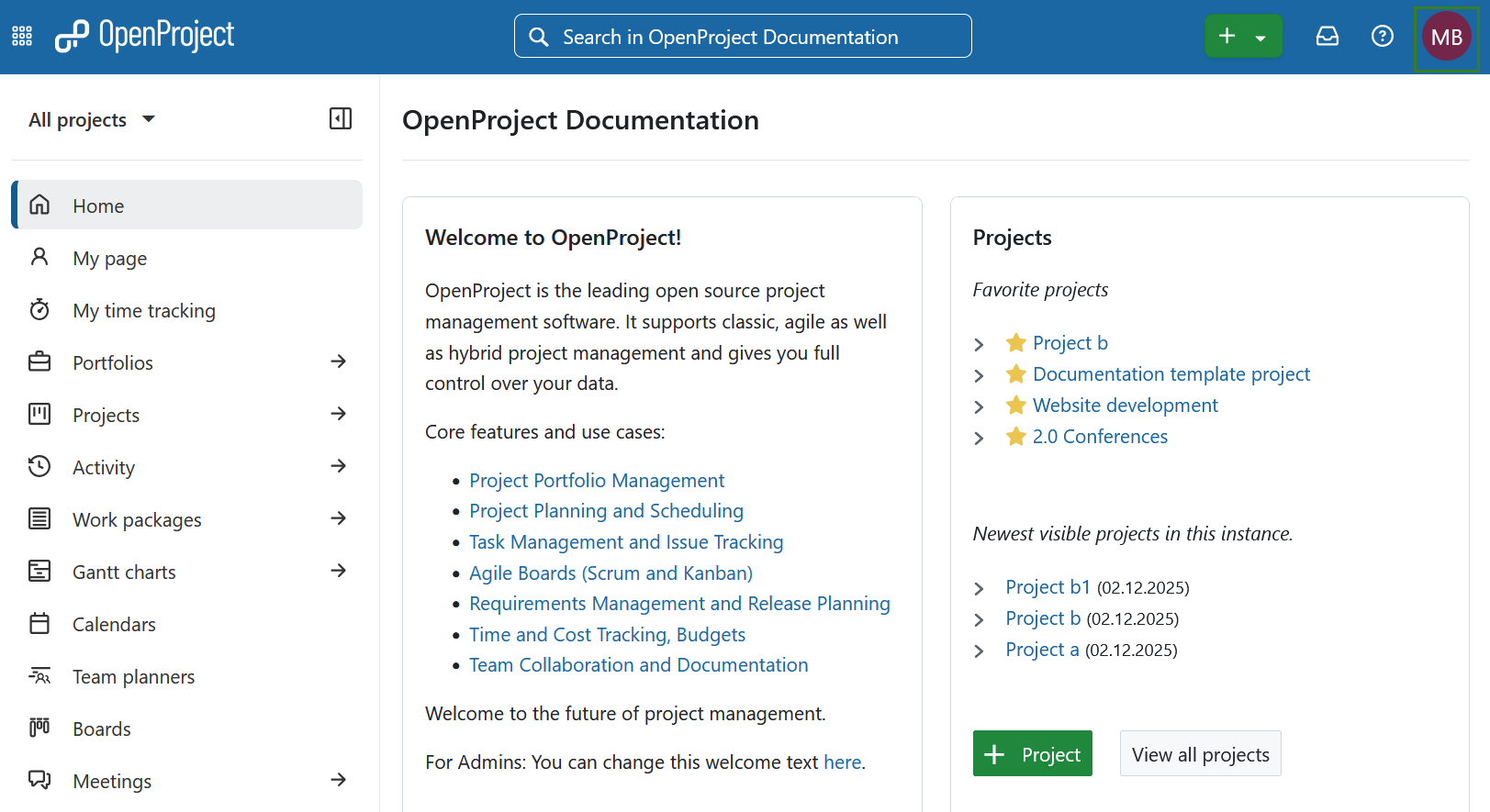
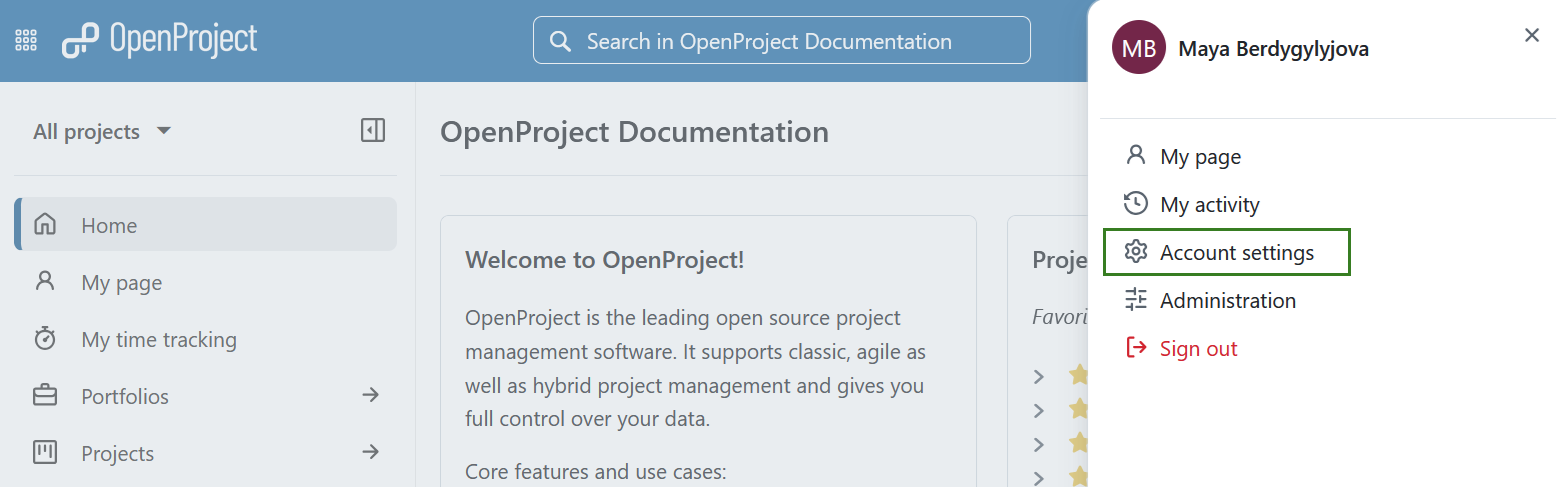
To open your personal settings in OpenProject, click on your user icon in the top right corner in the header of the application and choose Account settings from the overlay menu.
For more details please take a look at Account settings section of OpenProject user guide.