Project home page
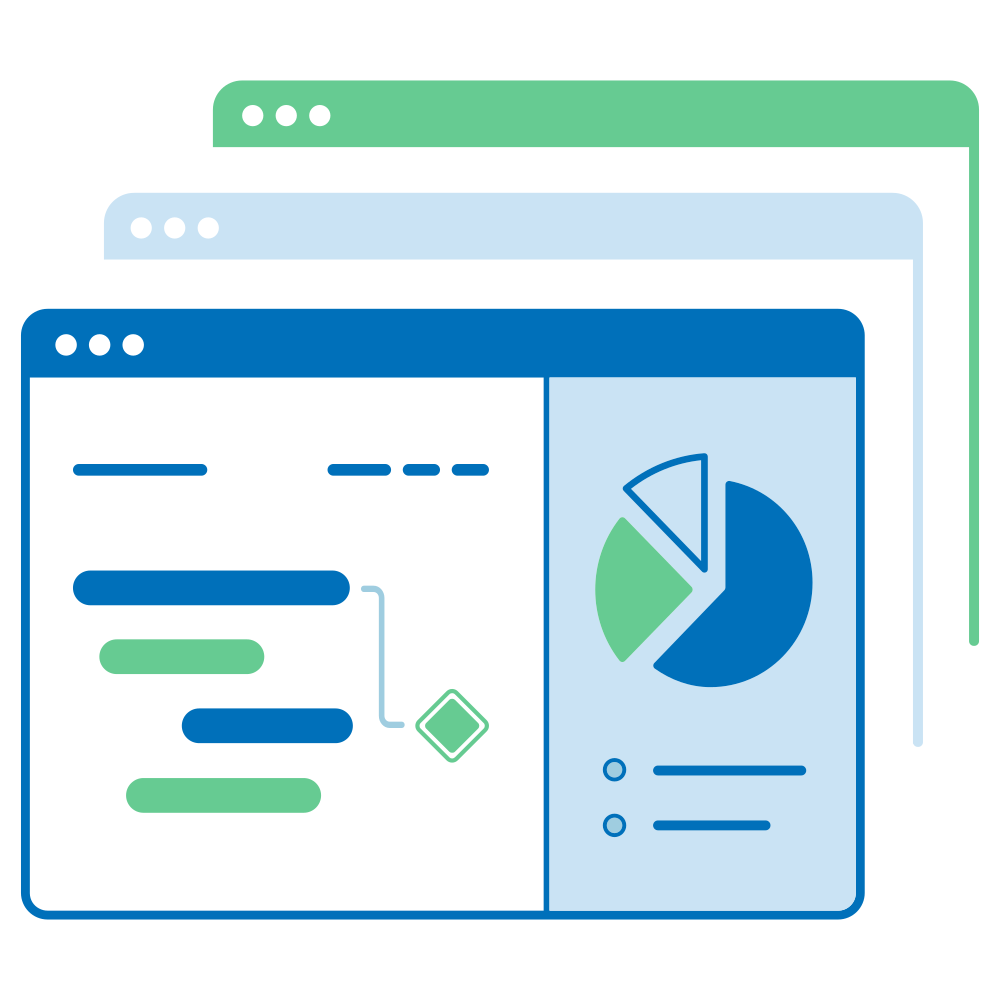
The Project home page page is a dashboard with important information about your respective project(s). Esta página apresenta todas as informações relevantes para a sua equipa, como membros, notícias, descrição do projeto, relatórios de pacotes de trabalho ou estado do projeto. Information on the project overview is presented using project attributes and widgets.
| Tópico | Conteúdo |
|---|---|
| What is the project home page? | What can I do on the project home page? |
| Ciclo de vida do projeto | O que é o ciclo de vida do projeto? |
| Atributos do projeto | O que são atributos de projeto e como posso utilizá-los? |
| Marque o projeto como favorito | Como posso marcar um projeto como favorito? |
| Arquivar um projeto | How can I archive a project from the project home page? |
| Project widgets | What are widgets, and how can I add them to my project home page? |
What is the project home page?
The project home page is a centralized overview page that displays all essential information for a selected project. Its purpose is to serve as a single source of truth for the entire project team, providing quick access to key data and project progress.
You can access the project overview by navigating to Project home in the project menu on the left.
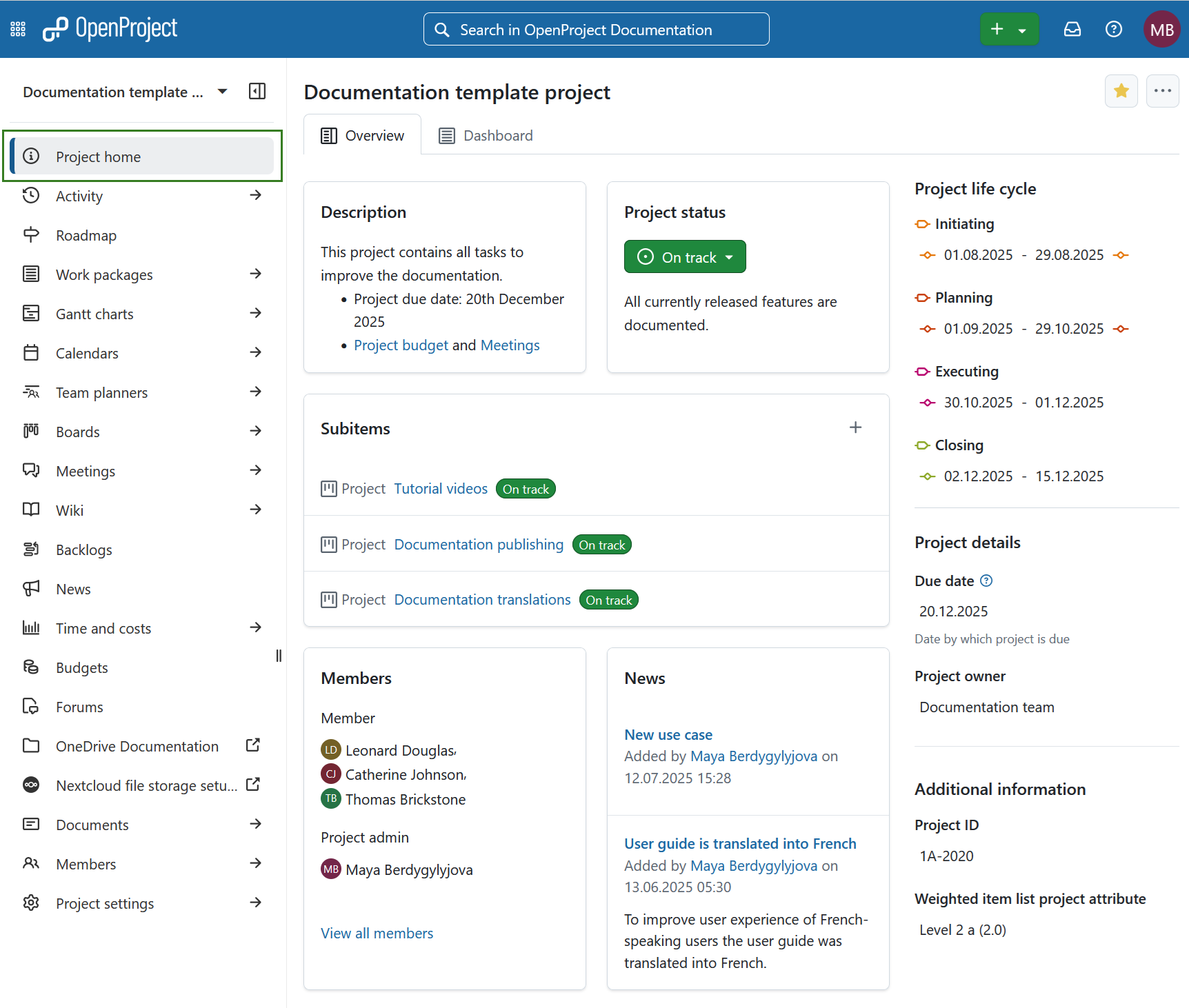
On the project overview page you will see the following sections:
- Overview tab is pre-configured set of project widgets to provide a concise summary of the project’s status.
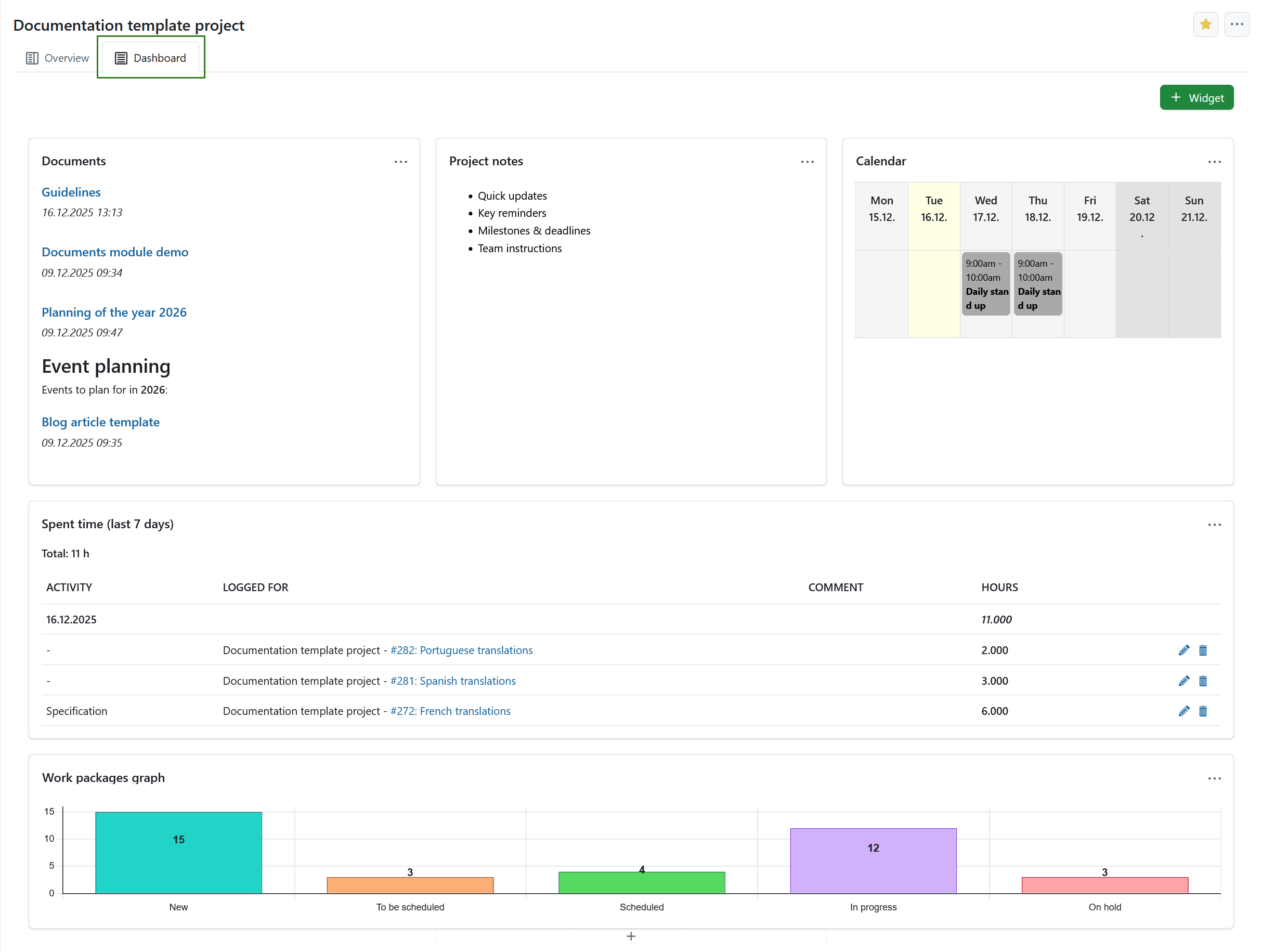
- Dashboard tab provides access to all available widgets and allows full customization of layout and content according to user preferences.
- Ciclo de vida do projeto
- Atributos do projeto
Here you can also mark a project as favorite or archive it.
Síntese do projeto
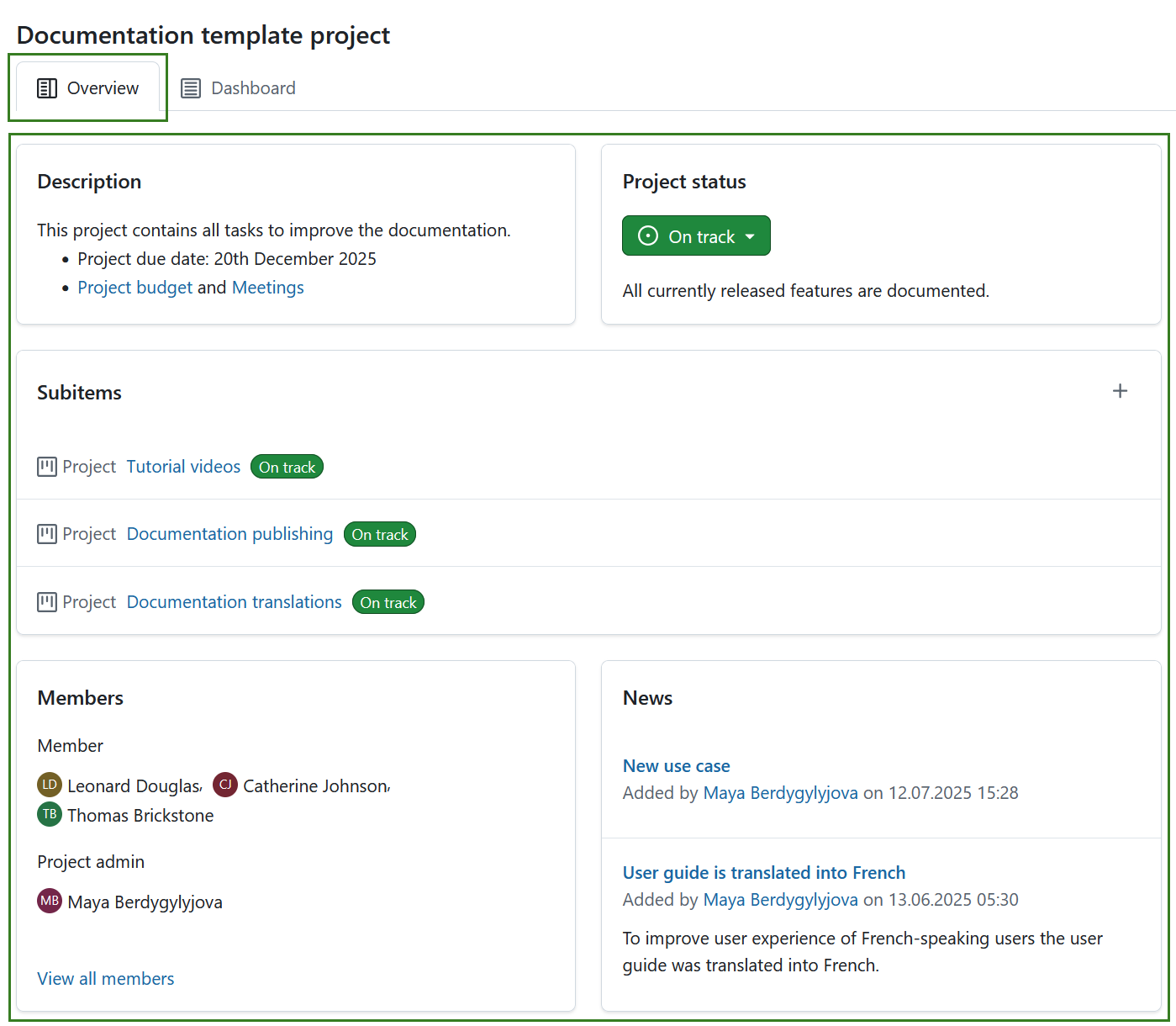
The Overview tab is a pre-configured to provide a concise summary of the project’s status. Its layout is fixed and cannot be modified. It includes the following widgets:
-
Optional: Project attributes.
Dica
Project attributes are usually displayed under the project life cycle section on the right, but a project attribute section can also be placed centrally under the pre-defined widgets. This placement can be changed under system administration.
Learn more about project widgets.
Project dashboard
The Dashboard tab of the home page provides access to all available widgets and allows full customization of layout and content according to user preferences. Learn more about project widgets.
Dica
You can add same widgets to the project dashboard, as are also displayed on the project overview part of project home page.
Marcar um projeto como favorito
Pode marcar o projeto como Favorito ao clicar no ícone Favorito (estrela) no canto superior direito. The icon color will change to yellow and the project will be marked as favorite both on the project home page and in the projects list. Mais informações sobre listas de projetos.
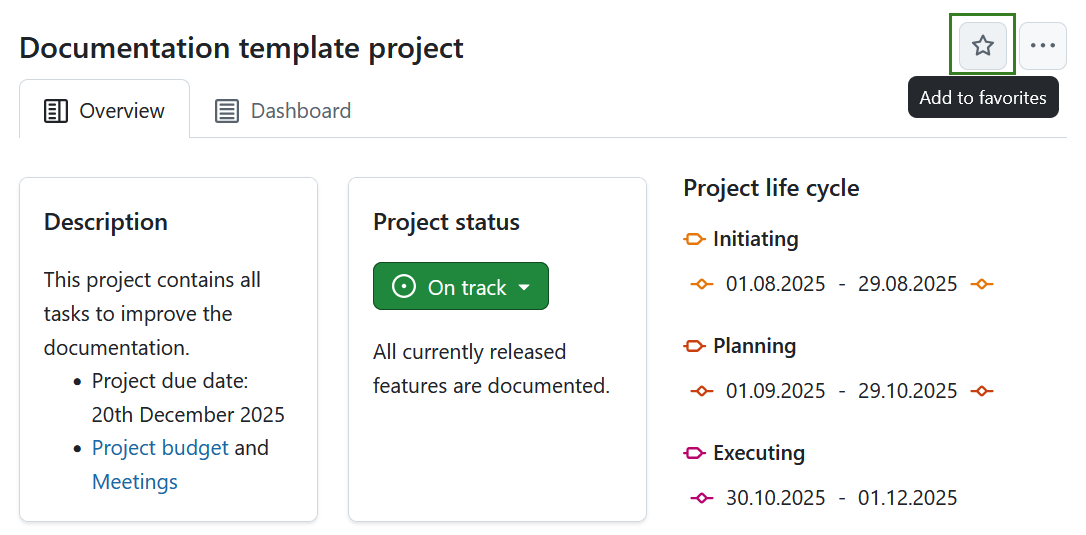
Para remover um projeto dos favoritos, clique novamente no ícone Favorito.
Arquivar um projeto
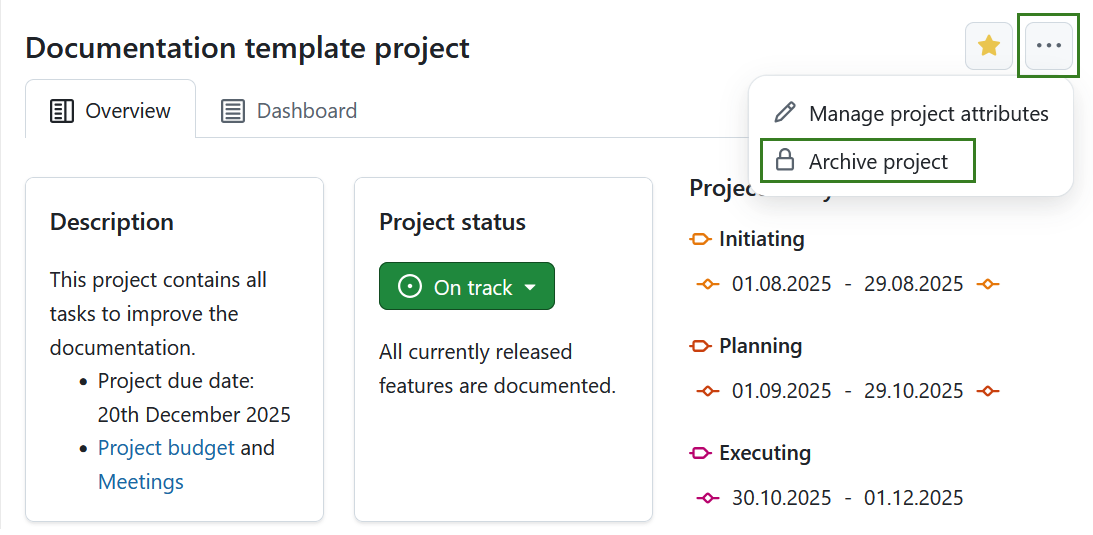
You can archive a project directly from the project home page. Para isso, clique no ícone Mais (três pontos) e selecione Arquivar projeto.
Nota
Esta opção está sempre disponível para os administradores de instâncias e projetos. Também pode ser ativado para funções específicas, basta ativar a permissão archive_project para essa função através da página Funções e permissões nas definições de administrador.
Também pode arquivar um projeto em definições do projeto ou numa lista de projetos.