Frequently asked questions (FAQ) for project home page
Wenn ich die Übersichtsseite für ein Projekt einrichte, können Arbeitspakete als Gantt-Diagramm angeordnet werden. I would also need this for the subprojects. How does it work?
If you have selected the “Work package table” widget on the under the Dashboard tab of the home page, you can open the more (three dots) menu at the top right corner of the widget and click Configure view. In the configuration, you can select subprojects under Filter. You can choose all subprojects, a single subproject, or several subprojects.
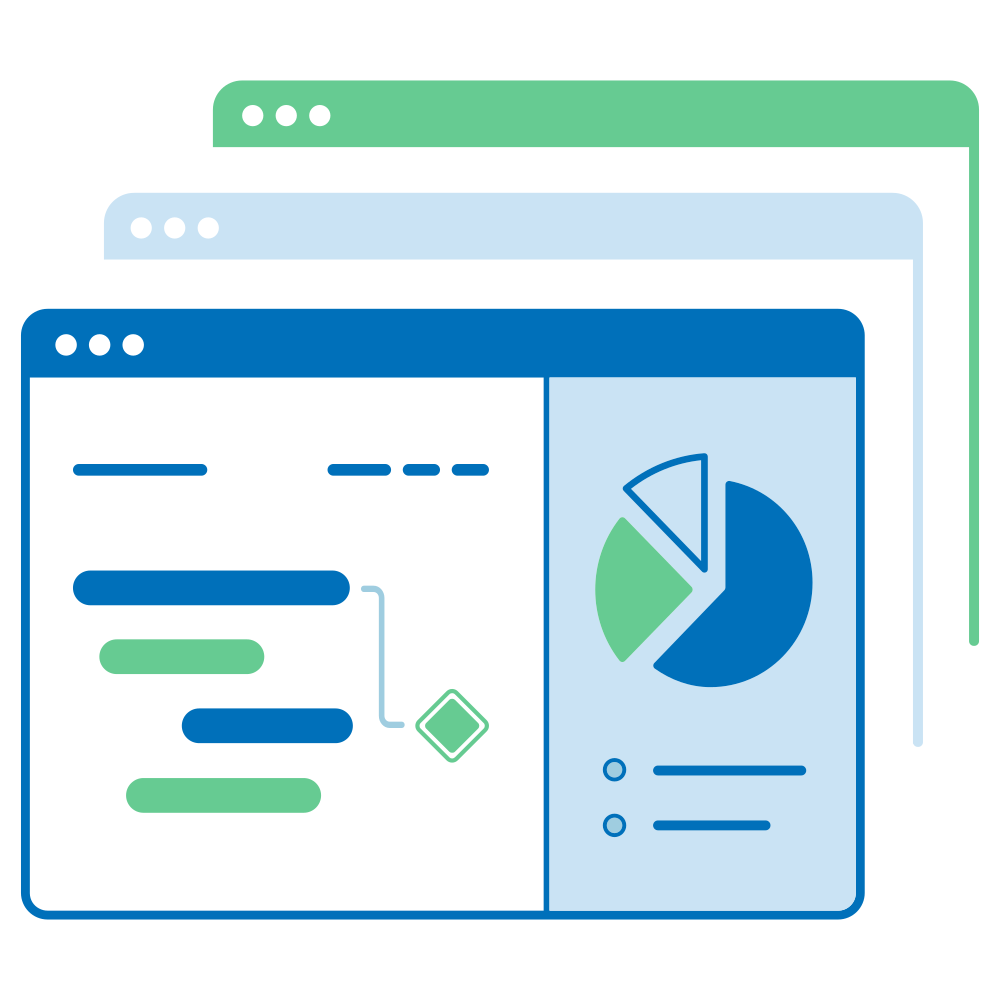
In the Gantt chart tab of the Work package table configuration, tick the box next to “Show Gantt chart”. All work packages of the selected subprojects will then be displayed in a combined Gantt chart view.
If you want to see the individual Gantt charts of the subprojects separately, you need to add a Work package table widget for each subproject.
Can I change or re-arrange the widget on the project home page?
The layout of widgets on the Overview tab of the project home page is pre-set and cannot be changed.
You can, however, add, edit, and re-arrange all widgets on the Dashboard tab of the project home page.