Attributs du projet
Project attributes overview
Les attributs de projet sont un ensemble de champs personnalisés au niveau du projet qui vous permettent d’afficher certains types d’informations relatives à votre projet. Project attributes are displayed on the Overview (first) tab of the project home page.
Project attributes must first be created on an instance level administration and then activated for a specific project under project settings.
The location of project attribute sections can be either in a pane on the right side under project life cycle phases, or in the main area under the project related widgets. The location of project attribute sections is determined under project attribute settings in system administration.
Project attributes are always grouped in sections.
Conseil
Your view of the project attributes may vary depending on your roles and permissions in OpenProject. Les attributs du projet sont visibles pour les utilisateurs ayant l’autorisation Voir les attributs du projet. Les icônes d’édition sont visibles pour les utilisateurs ayant l’autorisation Modifier les attributs du projet.
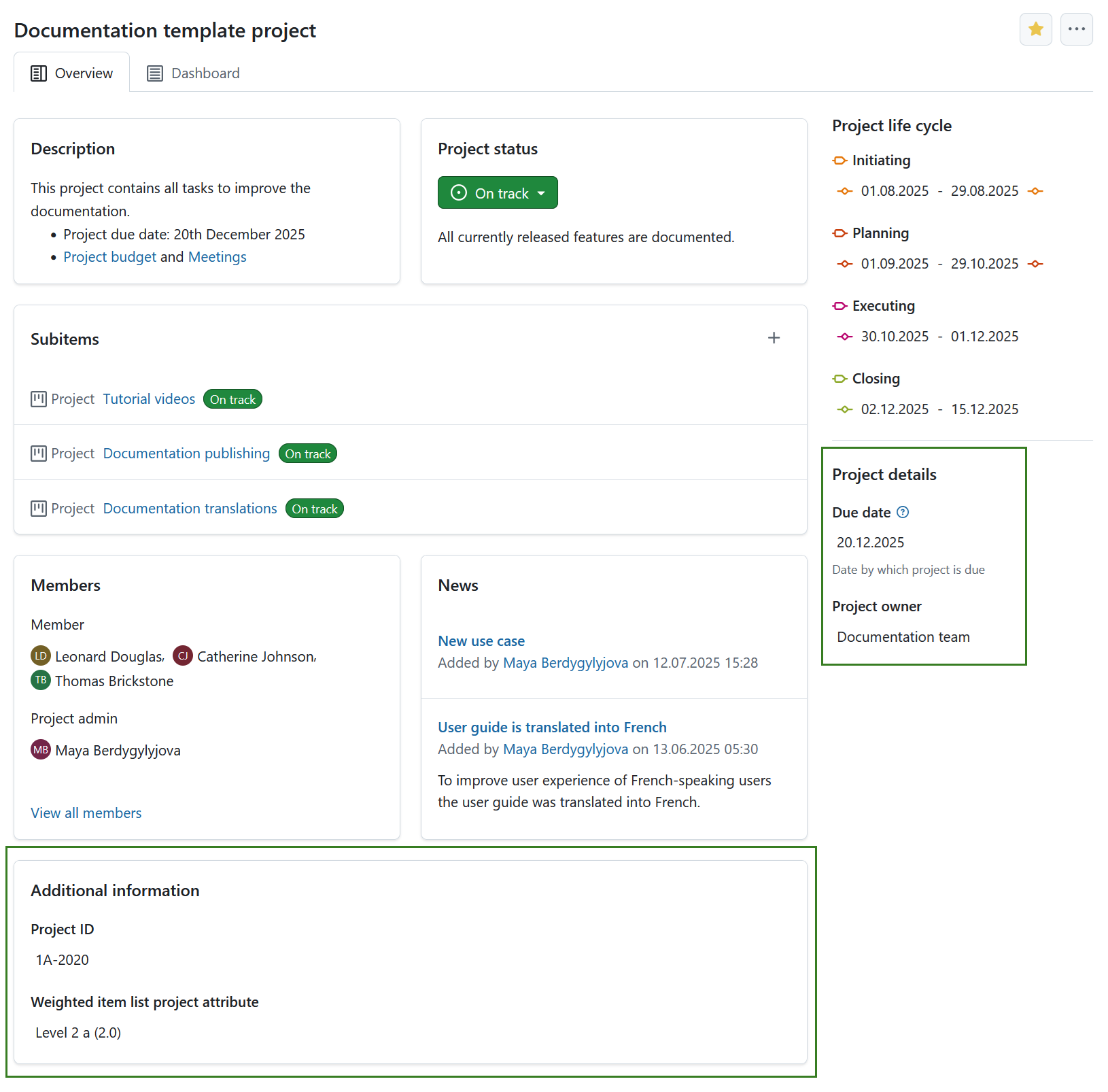
To edit the value of any visible project attribute, simply click on that value. Une fenêtre modale s’affiche avec tous les attributs de cette section.
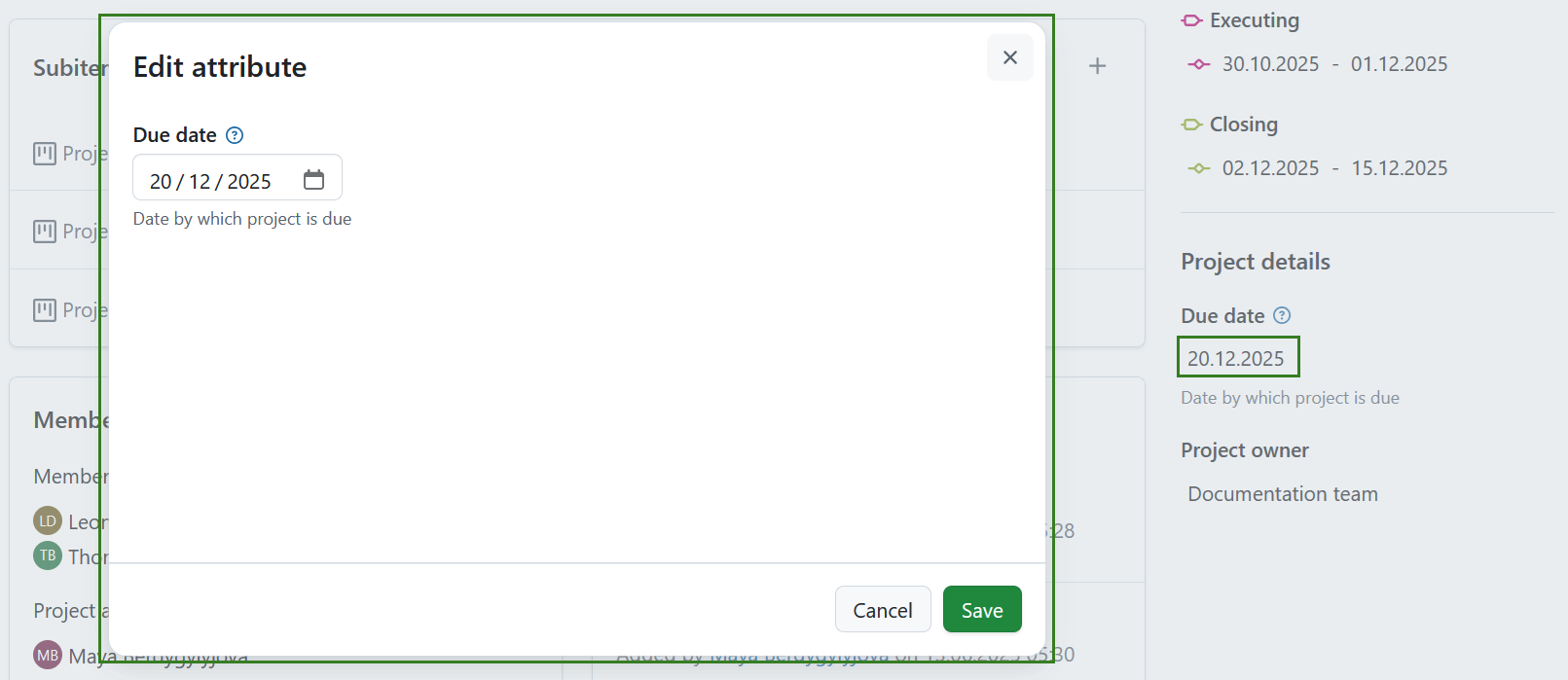
Modifiez les valeurs de chaque attribut du projet et cliquez sur le bouton Enregistrer pour confirmer et enregistrer vos modifications.
Remarque
If you are an instance administrator and would like to create, modify or add project attributes, please read our system administration guide on project attributes.
Paramètres des attributs du projet
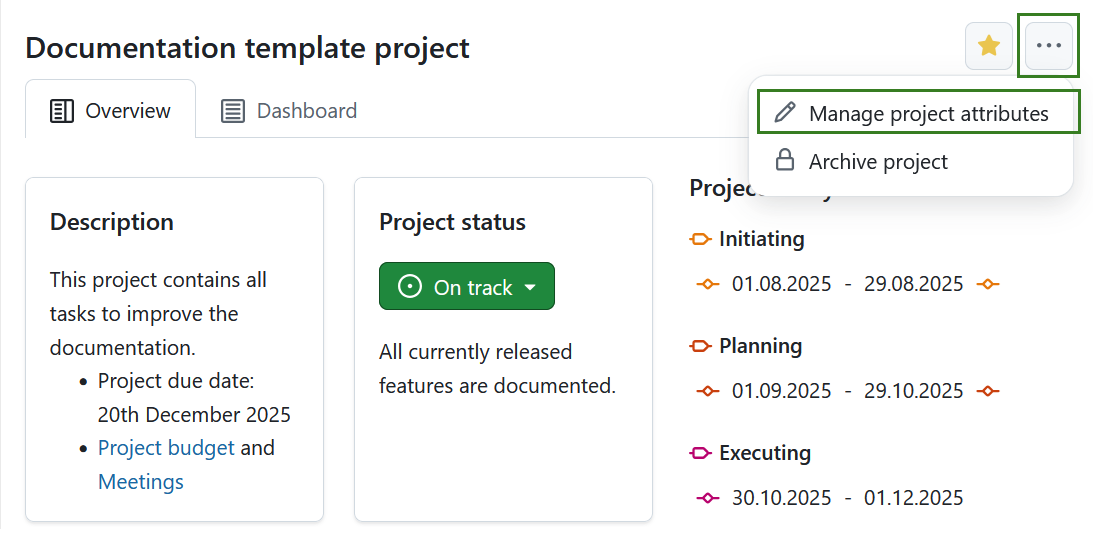
To adjust the project attribute settings for a specific project click the More (three dots) icon and select Manage project attributes. This will lead you directly to the project attribute settings.
Remarque
Cette option est toujours disponible pour les administrateurs d’instances et de projets. It can also be activated for specific roles by enabling the select_project_attributes permission for that role via the Roles and permissions page in the administrator settings.